
by Dentrix Blog Team | Nov 17, 2020 | Clinical Efficiency
In the Dentrix Patient Chart, one of the tools in the Charting Toolbar is the list where you can select a provider. When you have a patient selected in the Chart, this field contains the provider set up as Prov1 in the patient’s Family File. This is the provider that...
Continue Reading
by Dentrix Blog Team | Oct 13, 2020 | Clinical Efficiency
One of the overlooked features in the Dentrix Patient Chart is the ability to make chart notations. The Chart Notations feature allows you to “draw” on a patient’s chart! For practices with computers visible to patients in the operatory, you can use chart...
Continue Reading

by Dentrix Blog Team | Sep 22, 2020 | Clinical Efficiency
The Patient Chart is a visual tool you can use to document a patient’s oral health. Within the chart, certain colors are used to document conditions and diagnoses, previously completed procedures, and treatment-planned procedures. To make this visual tool effective...
Continue Reading
by Dentrix Blog Team | Apr 14, 2020 | Clinical Efficiency
Clinical note templates can save you a lot of time and can help you keep more accurate and detailed notes. Set up clinical note templates to help you document the procedures you complete regularly in your practice, like prophies, periodic exams, fillings, root canals,...
Continue Reading
by Dentrix Blog Team | Nov 26, 2019 | Clinical Efficiency
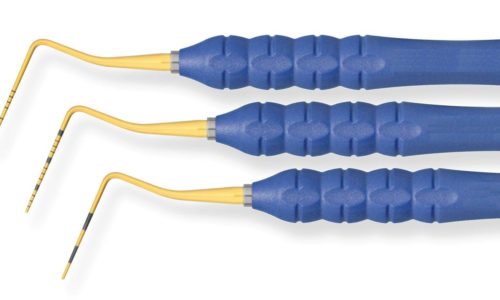
There’s an old joke that goes, “How do you chart a tooth with a pocket depth greater than 9mm? As an extraction!” But seriously, you’ll want to document the perio measurement properly before you recommend treatment. So how do you do it in...
Continue Reading


